
7-Port USB-C Docking Station - Docking Station
62.00 €
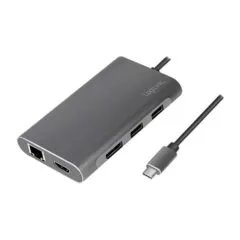
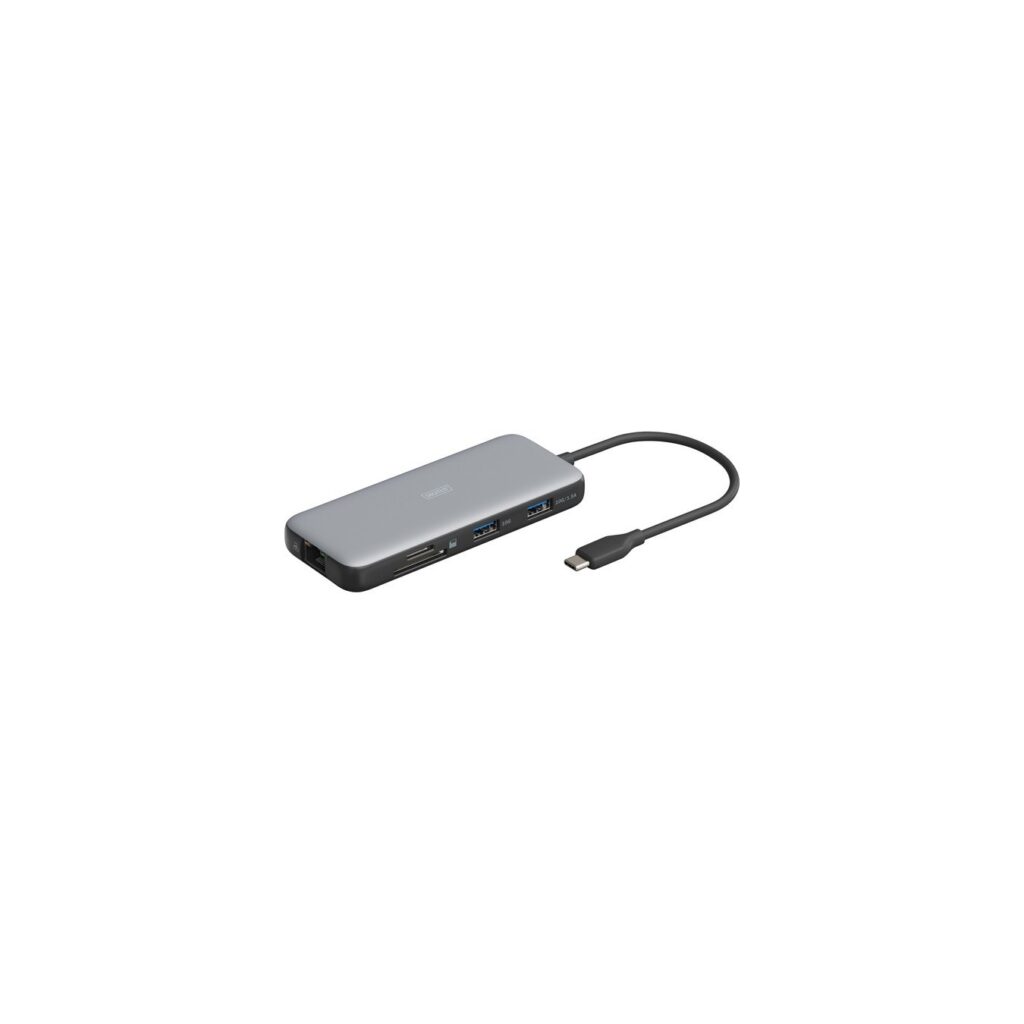
Digitus 7-port USB-C docking station expands notebooks with additional ports and supports 4K HDMI display.
Доступно для заказа: 60 шт. (6–10 рабочих дней)Заказ сегодня24 нояб.В нашем магазине2–8 дек.Доставка к вам4–11 дек.
For any questions about this item, availability, or delivery times, please contact us at 22 270068
Вопросы? Звоните 22 270068
- 60 шт.Доступно для заказа
- 8–13 рабочих днейдоставка к вам
- 6–10 рабочих днейв нашем магазине в Никосии
- Удобная оплатакарта, Apple Pay, Google Pay или в магазине
Основные характеристики
Коротко о главном
- Docking stationTyp
- grey/blackColor
- SD cards, microSD cardsCard reader
- USB operationPower supply
- 109 GrammWeight
Информация о товаре
Подробности
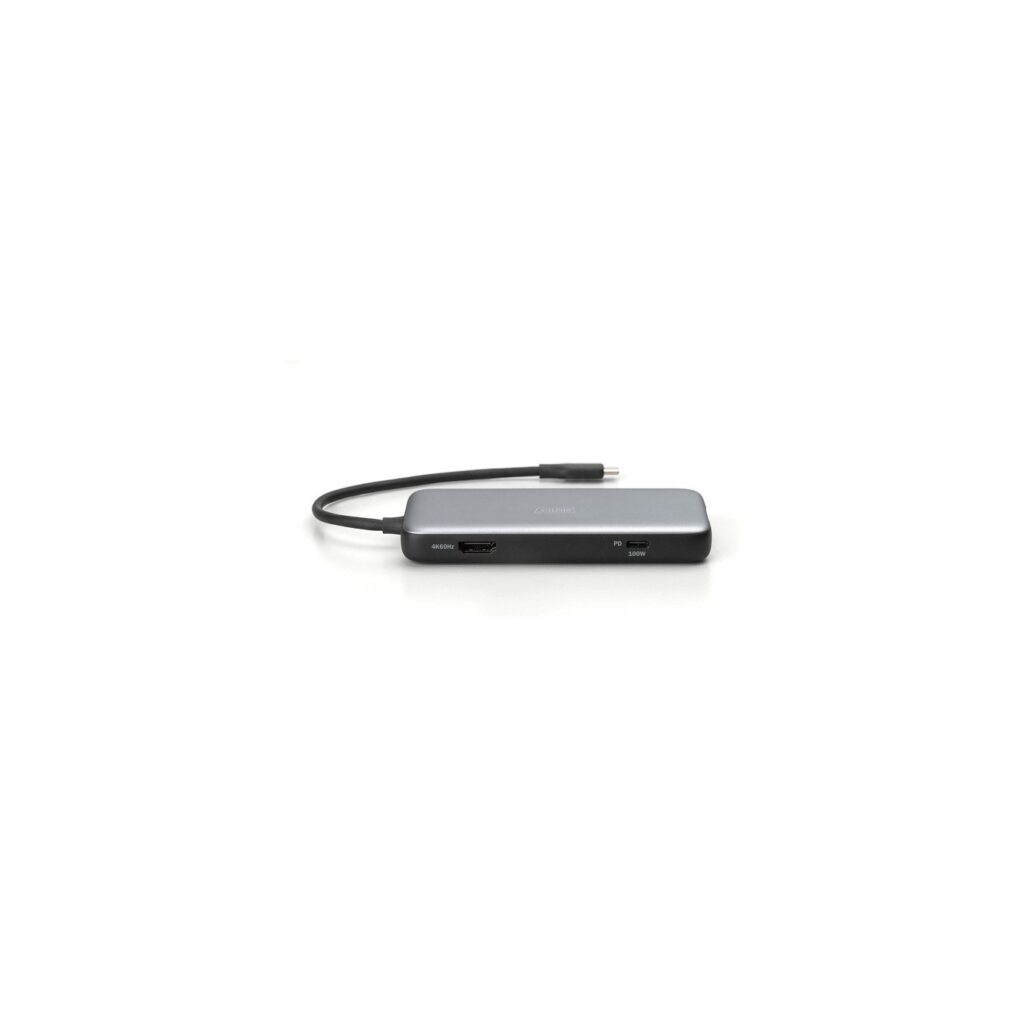
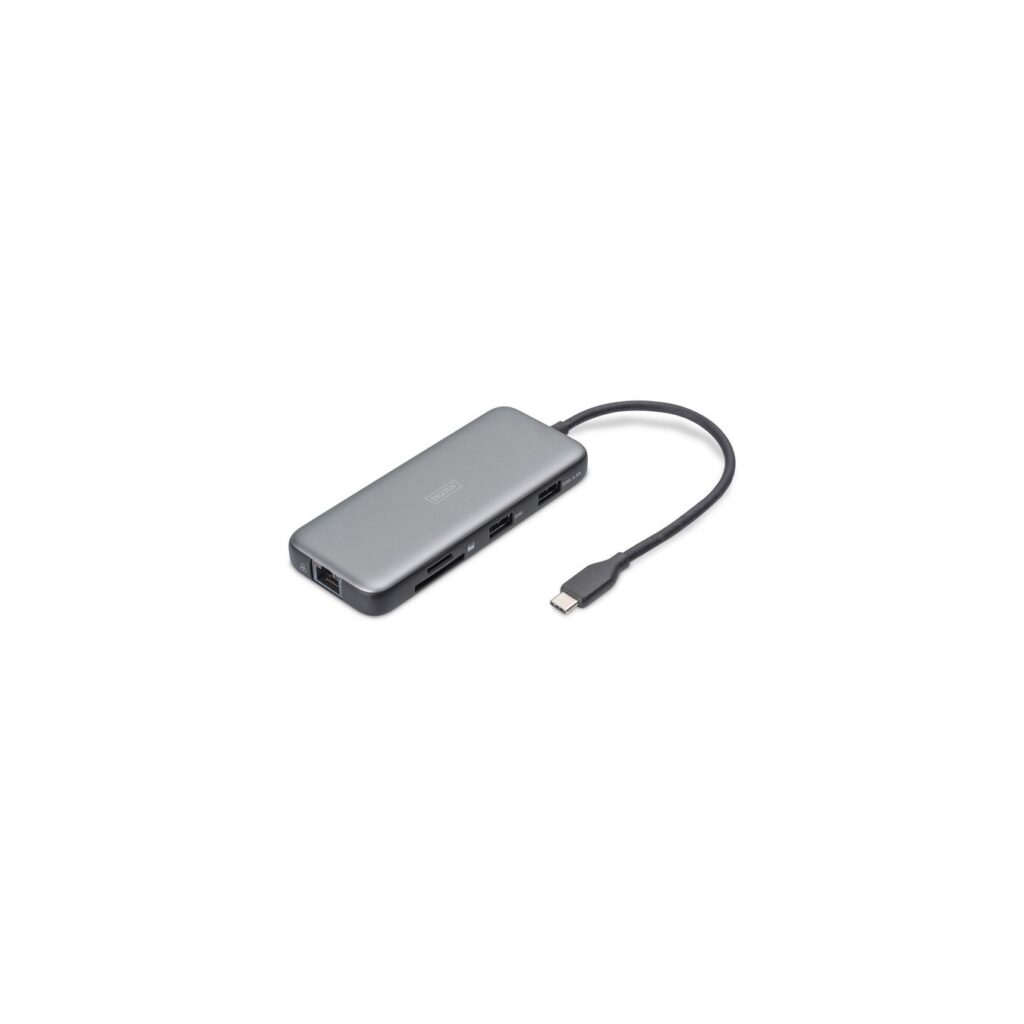
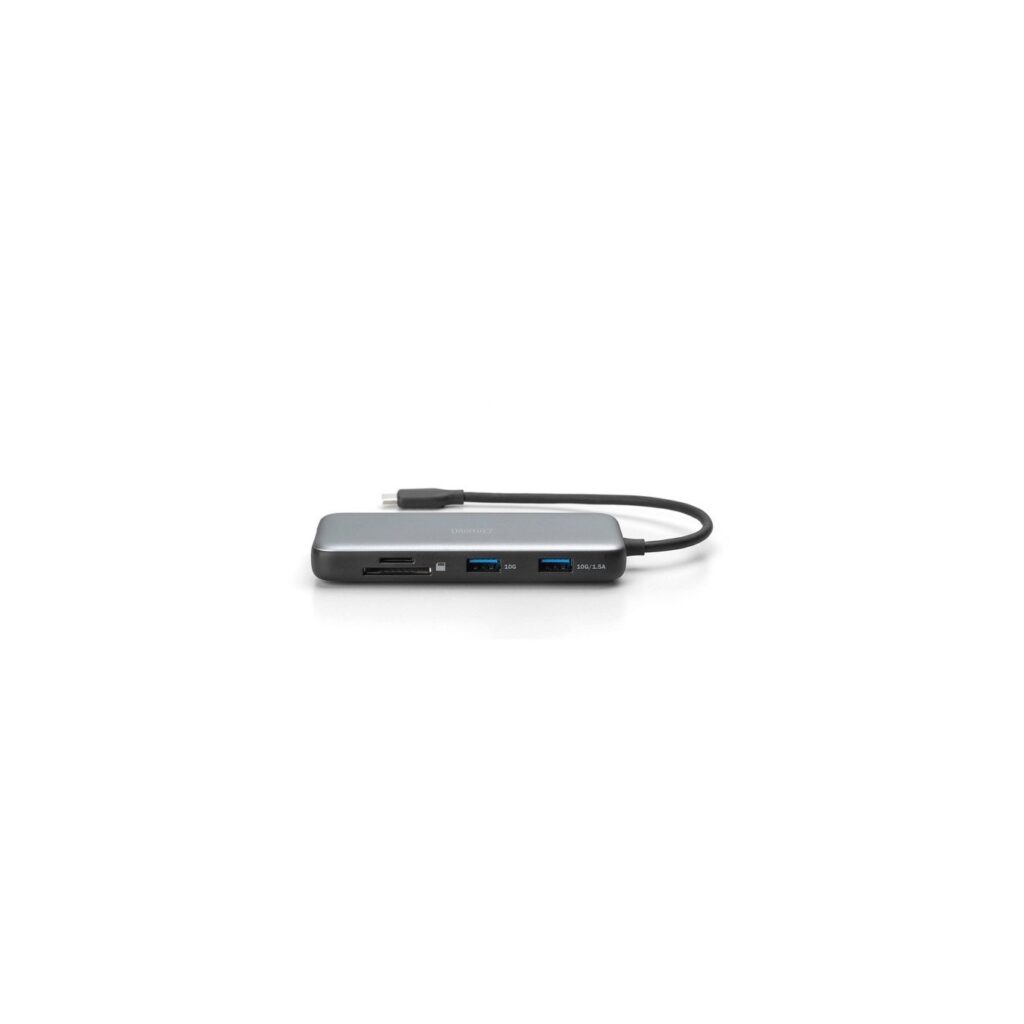
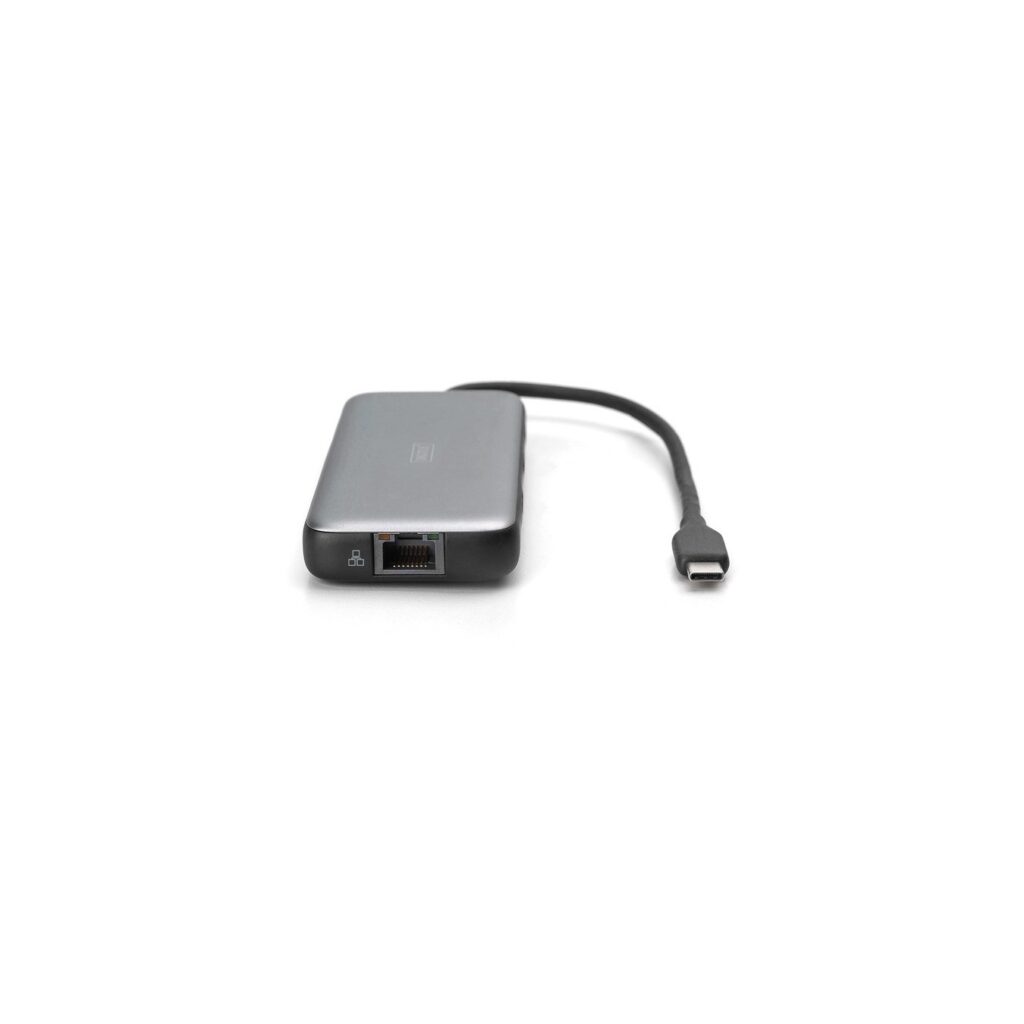
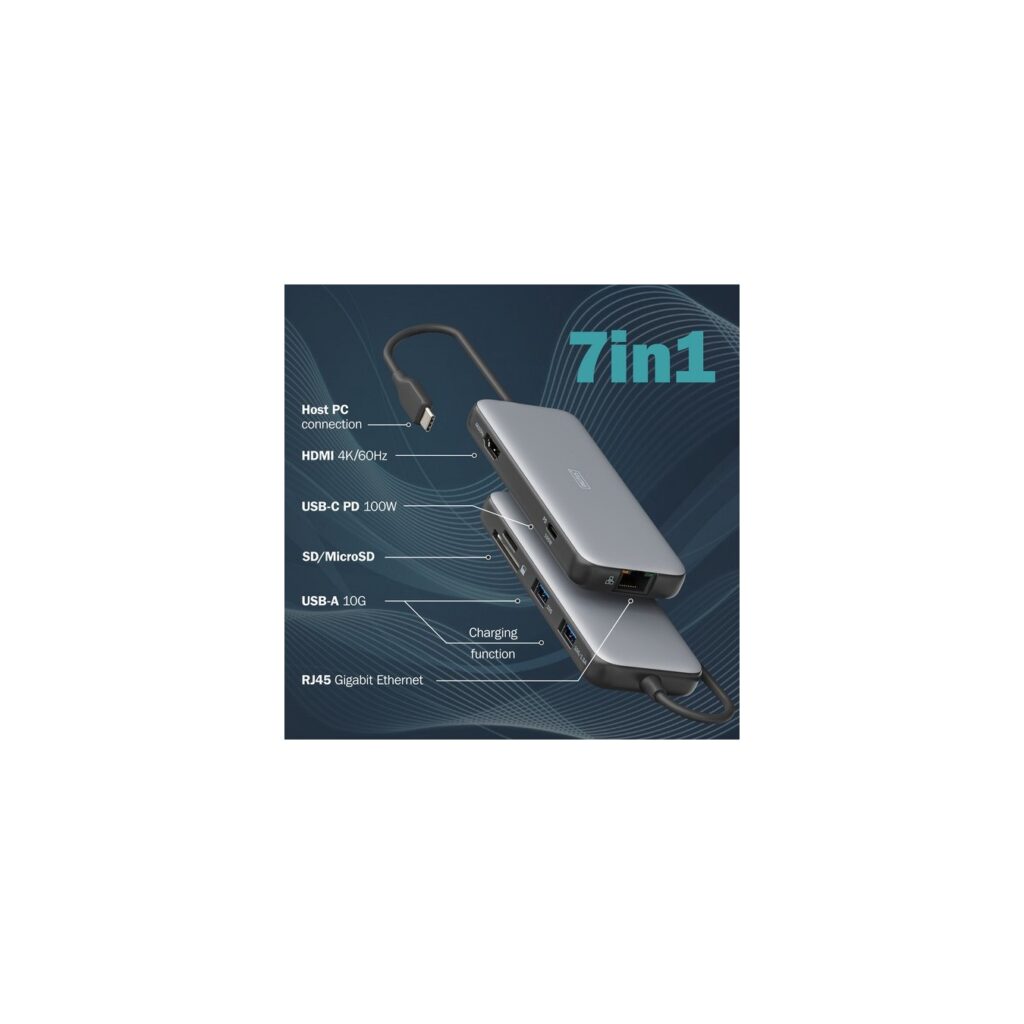
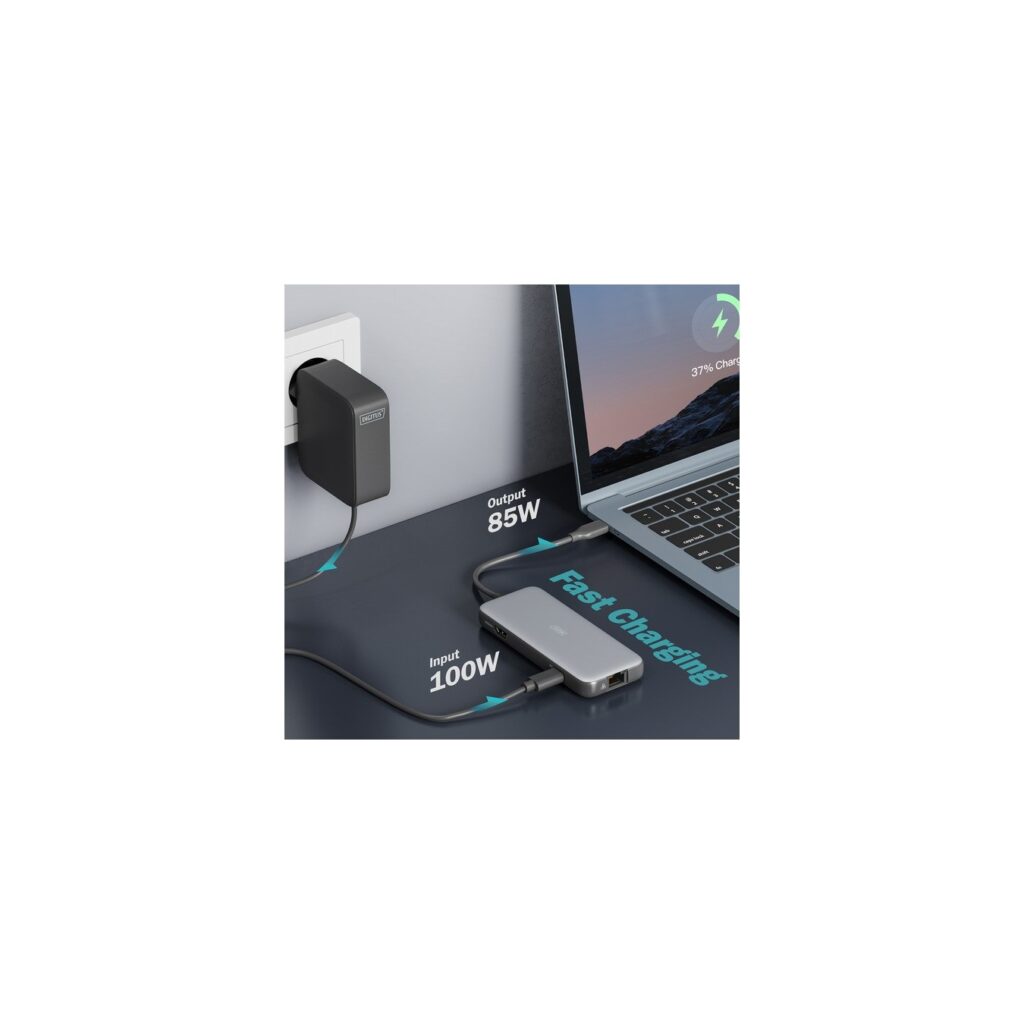
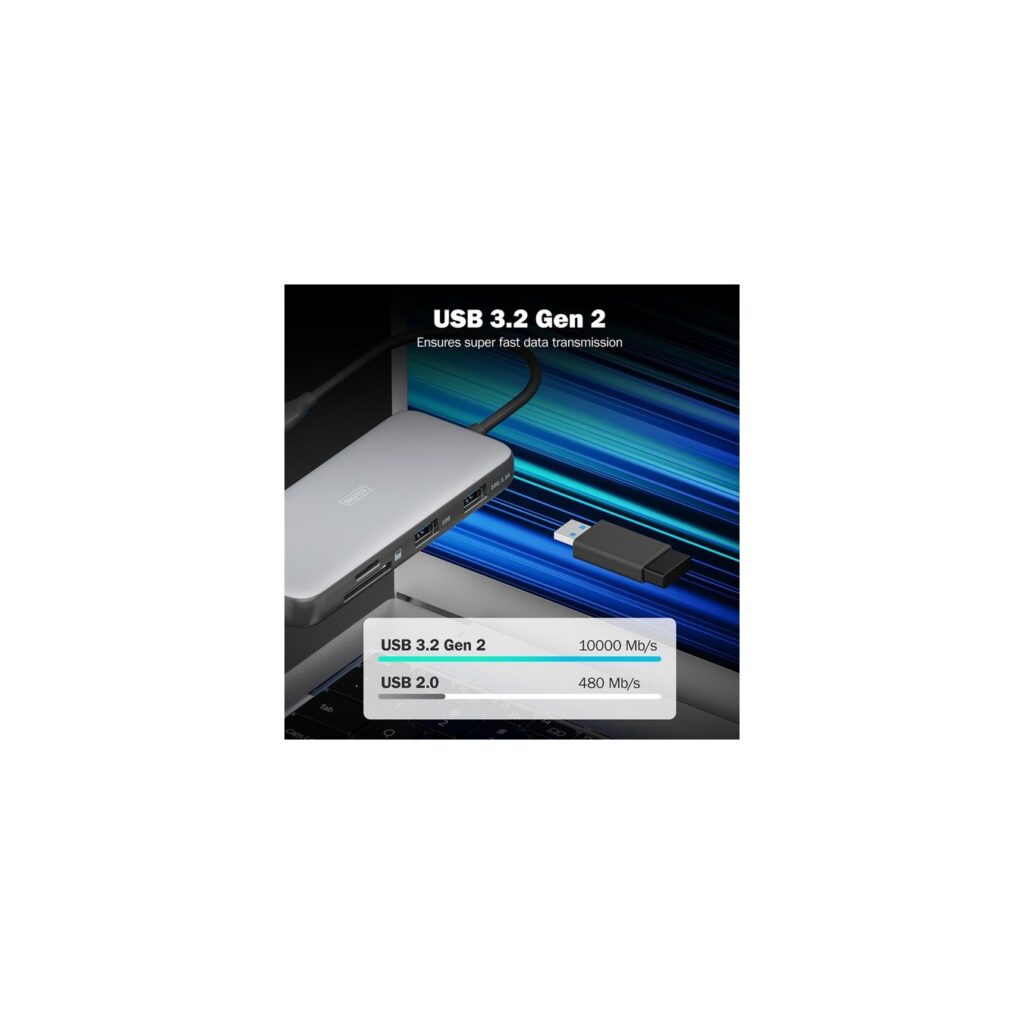
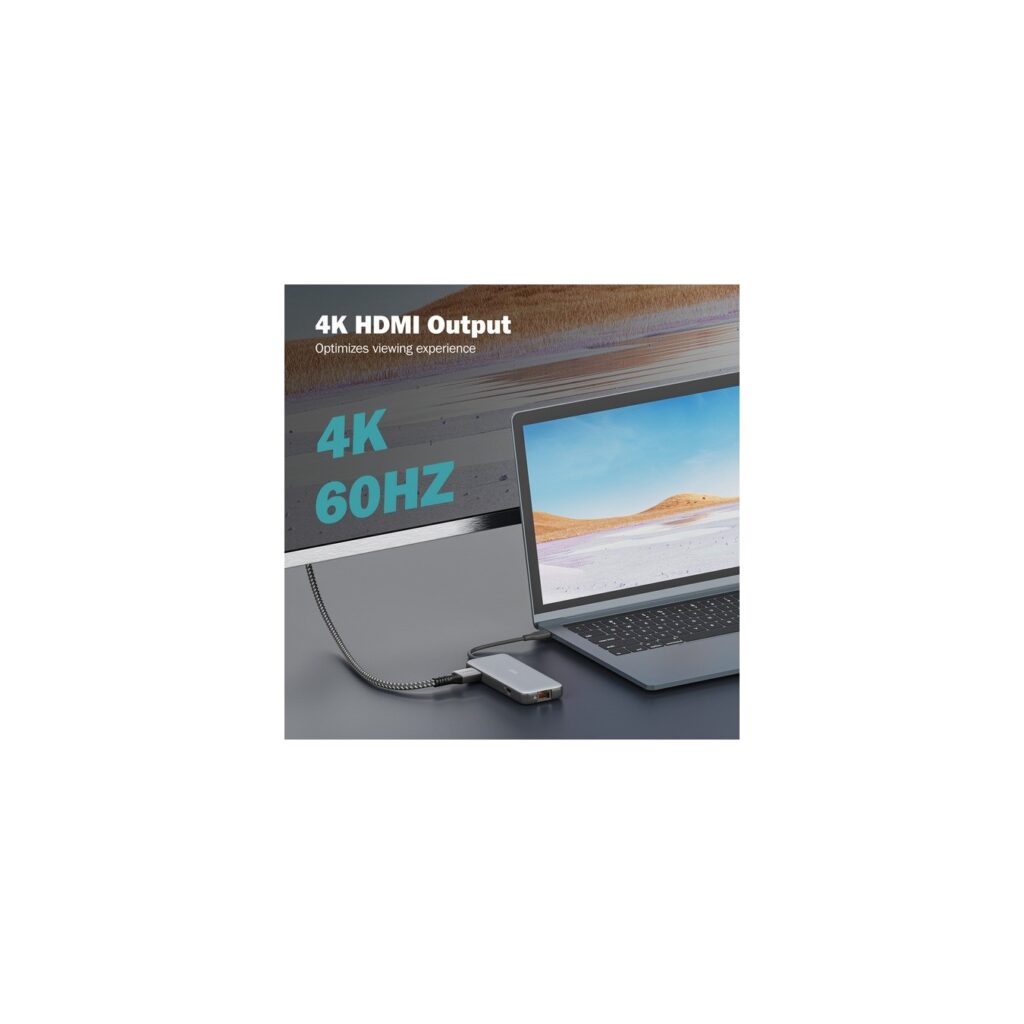
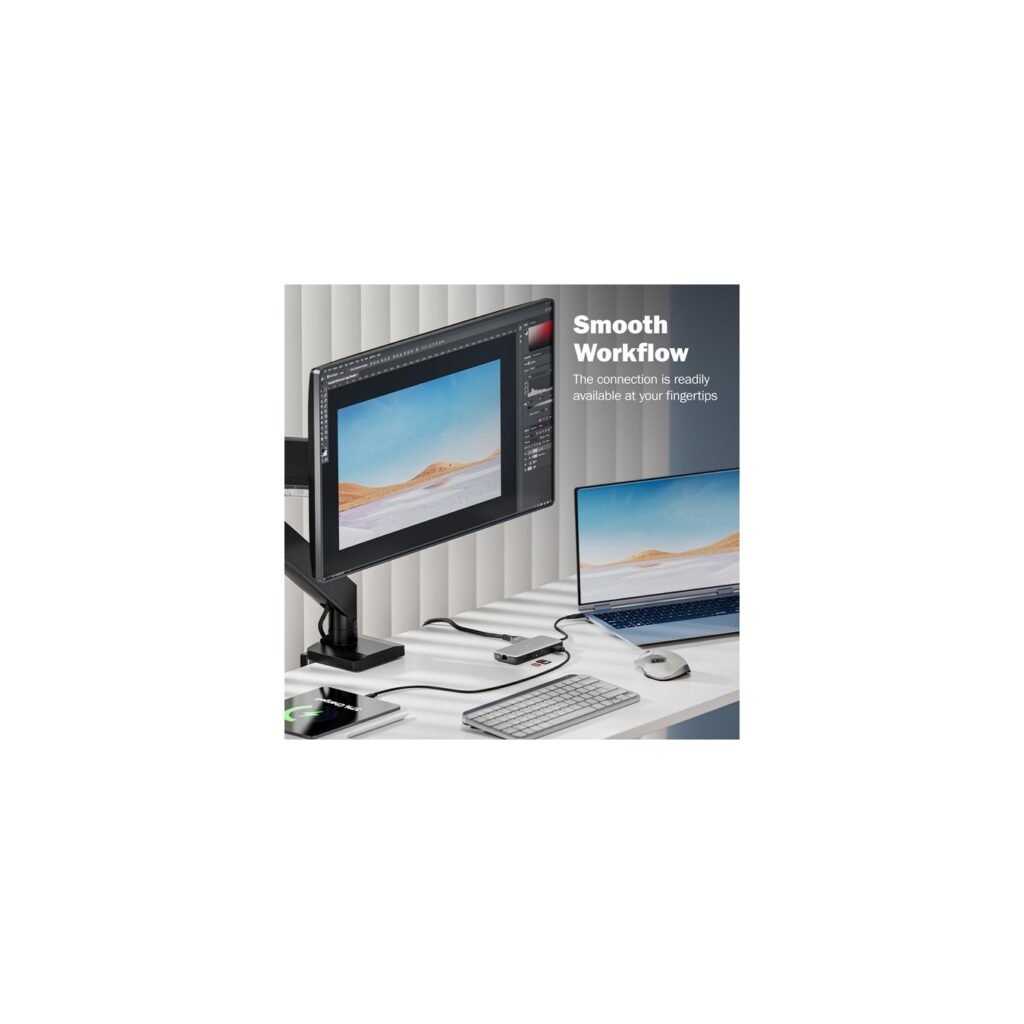
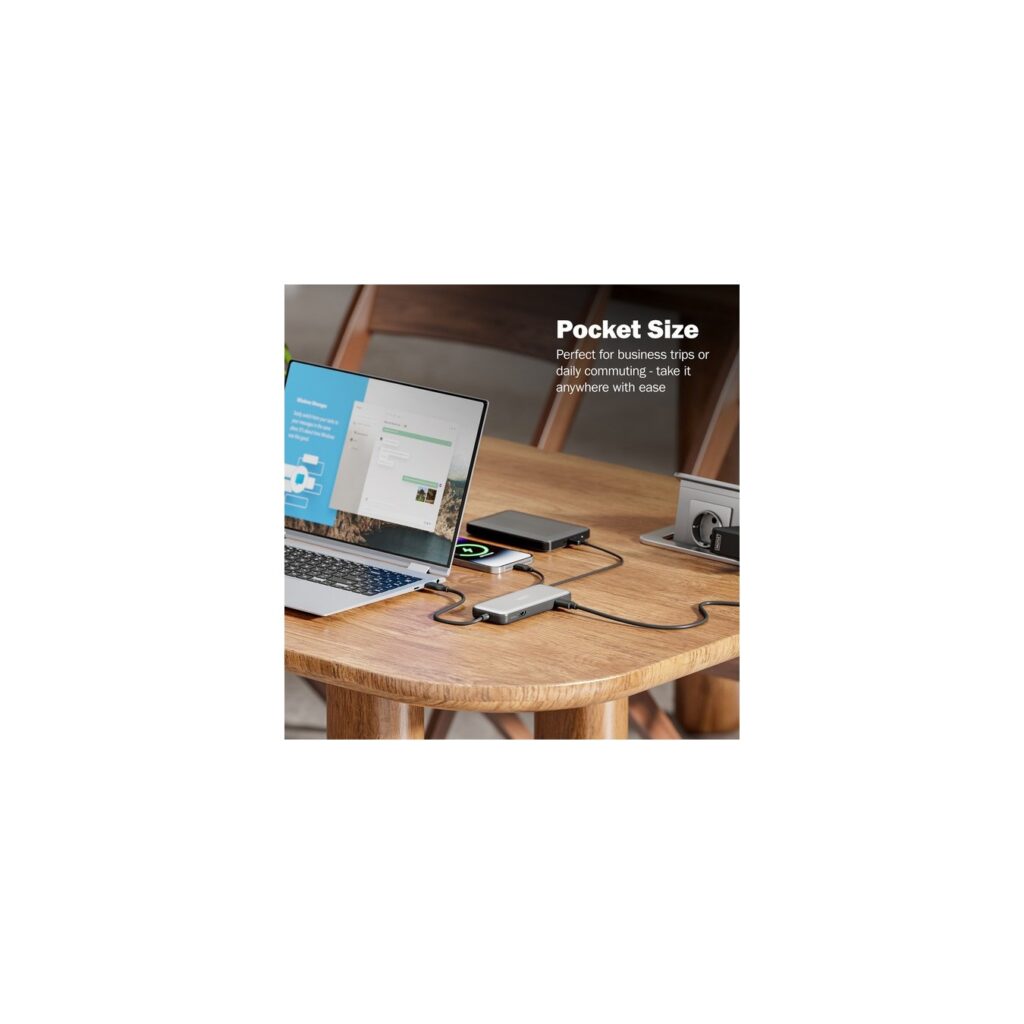
With the 7-port USB-C docking station from Digitus, a notebook can be expanded with additional ports. An external monitor in 4K quality can be connected via the HDMI port. The two USB-A 3.2 Gen 2 ports (10 Gbit/s) enable ultra-fast data transfer and smooth use of external devices. The integrated card readers (SD/MicroSD) also allow fast data transfer from memory cards and the Gigabit Ethernet port (RJ45) offers reliable network connections. The notebook can be charged via the USB-C Power Delivery port.
| Typ | Docking station |
| Color | grey/black |
| EAN | 4016032497738 |
| Manufacturer no. | DA-70914 |
| Connections | 1x HDMI-Ausgang, 1x RJ-45, 2x USB-A 3.2 Gen 2 (10 Gbit/s), 1x USB-C 3.2 Gen 2 (10 Gbit/s) |
| Card reader | SD cards, microSD cards |
| Power supply | USB operation |
| Dimensions | Width: 120mm x Height: 15.5mm x Depth/Length: 50mm |
| Weight | 109 Gramm |
| Warnings and safety information | Safety instructions: Overloading can lead to overheating and damage to the device or the connected peripherals. If necessary, use an external power supply to ensure stable performance. When connecting devices such as external hard drives or printers that require high power consumption, the device should be used with an external power supply. Otherwise it could The device could be overloaded or malfunctions could occur. Do not expose the device to rain, moisture, vapors or liquids. Do not insert any objects into the device. Do not attempt to repair the unit or open the case yourself. You risk electric shock! Ensure adequate ventilation to prevent damage from overheating. Dust, moisture, fumes and strong cleaning agents or solvents can cause damage to the device. Before cleaning, disconnect the device from power and connected devices. Clean the device with a dust-free cloth. |
-

-
USB 3.2 Gen1, Docking Station, USB-C, 8-Port, PD, silver
-
D I-TEC USB-C Metal Nano 3x Display Docking Station 1x DP 1x HDMI 1x VGA 1x GLAN 1x USB-C Gen1 4x USB-A Gen1 Power De...
-
i-tec USB-C Docking Station - C31NANODOCKLANPD - 4K@60Hz, 100W PD, HDMI, Gigabit LAN, SD/microSD, 3x USB3.0
-
USB-C Docking Station
-
StarTech 4 PORT USB 3.0 HUB WITH USB C